

Ever wondered how the court manages to keep track of every little detail in a case? Think of it like your daily planner, one that shows what’s already happened and what’s on the horizon. A court docket is simply a record with clear details such as filing dates and case numbers that everyone, from judges and attorneys to everyday people, can use to keep up with proceedings. Read on to find out how looking at these schedules makes navigating court cases a bit easier.
Court Docket Explained: Purpose and Function in Legal Proceedings
A court docket is the official timeline of everything that happens in a legal case. Think of it like a busy schedule kept by a clerk that records each step, from filing complaints and answers to all the motions, hearings, and trial dates. It’s similar to how a train schedule keeps track of every departure and arrival. This record is a true lifeline for attorneys, parties, and even the public because it shows what has happened and what is coming up next.
Attorneys and those involved in the case use the docket to keep an eye on important deadlines and to make sure every document is properly filed. Sometimes, the docket comes as a paper record, but in many courts, you’ll find it online through systems like CM/ECF. These digital logs make it easier to quickly check what’s been filed and to track court events. In other words, the docket not only tells the history of a case but also acts as a road map for the entire legal process. For example, a lawyer can review a past motion before a hearing to refresh the details. In this way, the docket remains an essential resource for everyone involved in a case.
Key Components of a Court Docket Entry

Court docket entries work like a clear, step-by-step journal of what happens in a legal case. They help anyone reading the records quickly see the important facts, much like checking off a list. It’s a simple daily log that organizes all the legal actions in one neat spot.
- Docket number (for example, No. 21-cv-1234): This unique number pins down the case record.
- Date filed: The day the court received the document or record.
- Entry number: A number that marks each new addition to the log.
- Document description (like "Motion to Dismiss"): This tells you what type of document or request it is.
- Event code (such as MTN, ORD, or Hrg): A short label that hints at what action took place.
- Parties named in the case: The people or groups involved in the case.
- Judge assignment and next scheduled event or deadline: This shows who is handling the case and what the next step will be.
Each part of this entry is important. The docket and entry numbers work like fingerprints, they make sure every event is uniquely tracked. The document description and event code give a quick look at what happened, while details about the people involved and upcoming deadlines help you understand not just the past actions but also what to expect next. It’s all designed to make following legal steps as straightforward as possible.
Court docket: Simple Access to Cases & Schedules
When you need to check court docket records, there are mainly two ways: online or in person. Many courts now let you look up case files and schedules right from your computer. For instance, federal courts use a system called PACER, and some state courts have free websites that show detailed case logs. These websites help you see upcoming hearings, deadlines, and even past filings with just a few clicks. But sometimes, you might have to visit the court in person. Local county clerks and city courts may offer terminals or printed records during their business hours. This in-person option might involve a short wait, a simple form, or a small fee to copy documents. It’s just another way to stay informed about public cases.
Online Portals and Electronic Case Logs
Online systems like PACER give you modern access to court docket details. With PACER, you have to log in with your own credentials, and each page you view usually costs about $0.10. On the other hand, many state court websites allow you to search for case files for free. When you use these online tools, you'll notice they are designed to be simple and easy to use, so you can quickly check case histories and upcoming events. Whether you are an attorney, someone interested in a case, or just curious, these digital records make it easy to follow legal proceedings.
In-Person Clerk’s Office Requests
If you need to get records face-to-face, many county and city courts offer help through the clerk’s office. Usually, you might need to show ID, fill out a request form, and pay a small fee for copies. These offices typically operate during normal business hours and have public terminals for your use. This method can be especially handy if you’re looking for older records that have not yet been put online. Checking in directly with the clerk often means you get the most complete and up-to-date information available.
| Jurisdiction | Access Method | Per-Page Fee |
|---|---|---|
| Federal (PACER) | Online Portal | $0.10 |
| California | State Website | $0.00 |
| New York | eCourts System | $0.00 |
| Local County Office | In-Person Terminal | $0.10-$0.50 |
Interpreting Entries on Your Court Docket
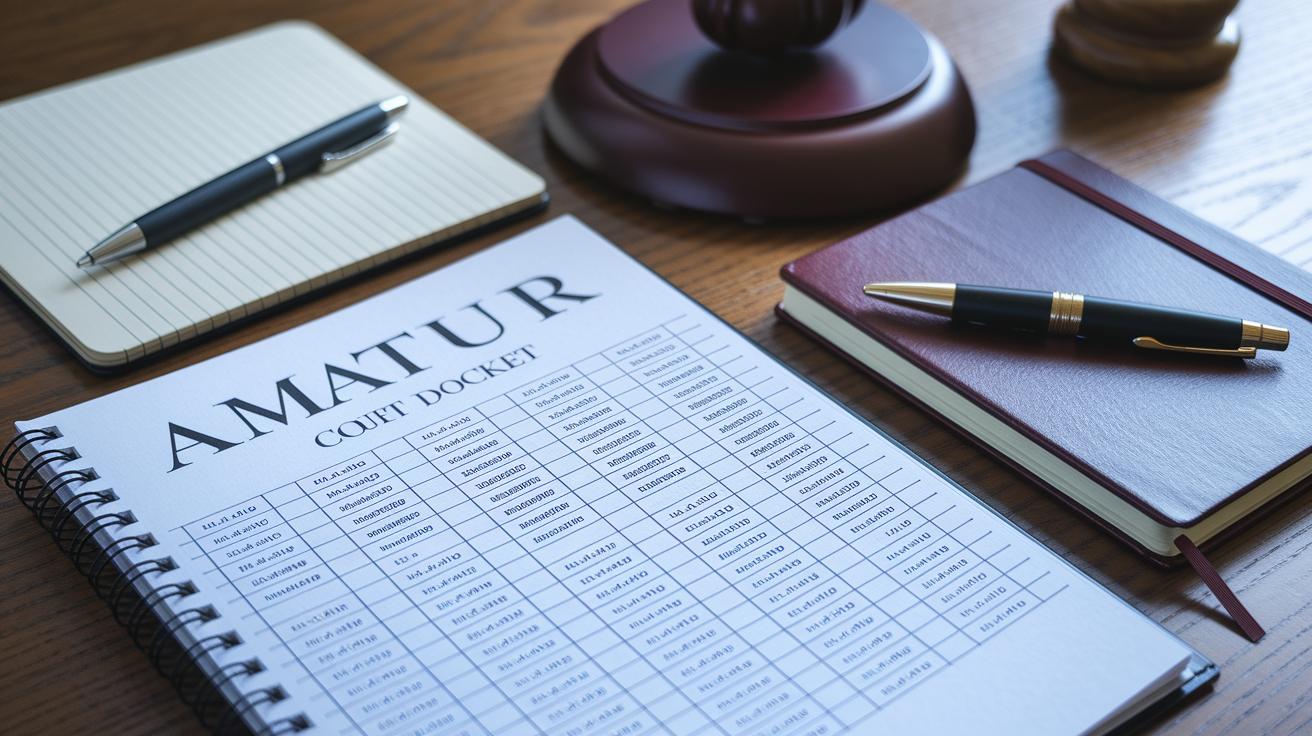
When you check a court docket, each line offers a clue about the case’s progress. Simple labels like Scheduled, Continued, Terminated, or Transferred tell you what is happening right now. For example, if you see "Scheduled," it means there is a hearing or event coming up. Sometimes you'll find words like "Answer due" or "Response filed" that mark key deadlines. These clues help you follow the case step by step and understand what might happen next.
Another part of the docket is the use of order codes such as ORD. This code tells you that a formal court order has been issued. Think of it as a timeline that shows if everyone met their deadlines. By keeping an eye on these details, you can quickly find out the case status and spot upcoming hearing dates, making it easier to stay on top of important legal events.
Variations in Court Docket Systems Across Jurisdictions
Court docket practices can look very different depending on the court. Federal courts, for example, use the CM/ECF system. This system keeps things steady with numbers like “2:21-cv-00001” and fixed event codes. It updates on a regular schedule, helping lawyers easily track trial timelines and lists of legal events.
Federal vs. State Docket Formats
Federal dockets rely on the CM/ECF system, which means their numbering is always the same. You’ll see the same codes used for similar filings, which makes understanding the schedule a lot easier. State courts, on the other hand, can be more varied. In many states, you might search an online calendar to find a case quickly, while other states offer registers in downloadable PDFs. Not every state follows the same rules: while one state might offer a vibrant online calendar, another might let you download a register that provides deeper historical context.
Municipal and County Docket Practices
Municipal and county courts often stick to local methods to keep their records current. Many of these courts post daily case lists or hearing rosters online, giving you a quick look at what’s coming up. Sometimes, you may find PDF registers that need a closer look at event codes and hearing dates. There can even be public-access limits, which might mean you have to visit in person to see everything clearly. Knowing what each part means can help you stay informed about the next steps in any legal process.
Common Questions About Using Court Dockets

Q: Are sealed dockets viewable?
No, sealed dockets aren’t open for everyone to see. Only people with the right clearance can look at these docs. This rule helps keep sensitive details safe and makes sure that only those with a legal reason can check the full record.
Q: How do I correct a docket error?
If you notice a mistake in a docket, you should file a correction motion with the court clerk. This lets the court know there’s an error so they can update the record. Fixing mistakes like these is key to keeping legal files accurate.
Q: Can I get email alerts?
Yes, many online portals let you sign up for email updates. When you subscribe, you get notifications about trial changes and new filings, making it easier to follow the case schedule.
Q: What are copying fees?
Courts usually charge between 10 and 50 cents per page. These fees depend on where you are and the method used to access the records, like an online case log or a special archive system.
Final Words
In the action, we explored how a court docket serves as a real-time log for legal events, keeping track of filings, motions, and hearings. We broke down how each entry is structured and showed methods to access records through online portals and in-person clerk’s offices. The guide clarified docket codes and how different jurisdictions manage their legal schedule. This roadmap helps anyone grasp case updates and stay confidently informed about court docket developments. Keep moving forward with this newfound knowledge.
FAQ
court docket near california
The phrase “court docket near California” means you can locate case records from California courts through online portals like the California Case Information system or by visiting local clerk offices that list upcoming court events and filings.
court docket near texas
The term “court docket near Texas” indicates you can review legal case records from Texas courts via local court websites or county clerks, which provide detailed schedules of filings, hearings, and other case-related events.
Greeley court Docket
The phrase “Greeley court docket” refers to the official record of case activities in Greeley. It includes case filings, motions, and hearing dates, available through local online portals or directly at the court clerk’s office.
Grand Junction court docket
The term “Grand Junction court docket” identifies the official list of legal proceedings in Grand Junction courts, where you can view upcoming case filings, deadlines, and hearing dates via public access systems or in-person inquiries.
Mesa County court docket search
The phrase “Mesa County court docket search” signifies the process of locating legal case records in Mesa County, typically achieved by using the county clerk’s website or specialized search tools for current case schedules and filings.
Colorado Municipal Court docket
The term “Colorado Municipal Court docket” denotes the record of proceedings for municipal courts in Colorado, listing case details and event dates that are usually accessible online or at the clerk’s office for public review.
Weld County Court Docket Search
The phrase “Weld County Court Docket Search” describes the process of finding legal case records in Weld County. It involves accessing a list of filings, motions, and scheduled hearings through online systems or county clerk offices.
Weld County Court Docket for tomorrow
The term “Weld County Court Docket for tomorrow” refers to searching for cases scheduled for the next day in Weld County. This allows users to quickly view upcoming court events and confirm hearing times via the public docket records.